










Your pay, Just earlier
Everything you need to launch, promote and grow Financial Wellbeing in your organisation, from first awareness to long-term adoption – all in one place.


Get ready for launch
This toolkit supports organisations introducing their Financial Wellbeing employee platform by providing adaptable, ready-to-use communications you can can tailor to your own organisation’s tone of voice and internal channels.
If you’re a designer, start by downloading the official fonts, logos and media assets.
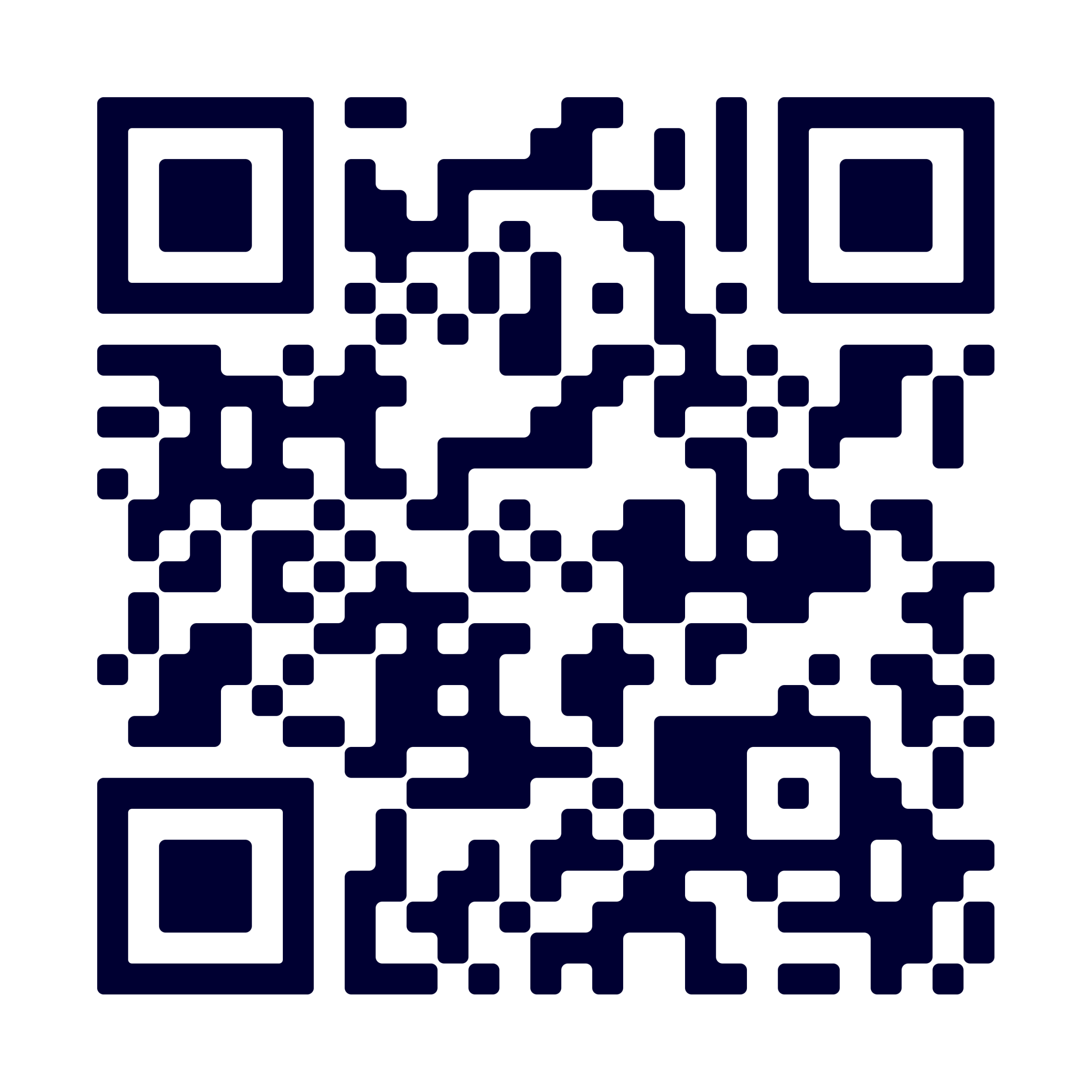
Make sure you get the official app download links and a QR code to use in your communications.
Or if you’re ready, you can customise your own assets in Canva.
This pre-launch toolkit is just the first stage of four:
Pre-launch
Enabling managers to help build excitement.
Go-live
Launching with confidence and gain momentum from day one.
Educate
Driving continued adoption and financial wellbeing changes.
Onboard
Supporting turnover and ensuring all new staff join the journey.
Ready-to-use editable communication packs, templates and assets to support every stage of your launch
From logos and colour guidance to imagery and app store links, everything a designer needs is just a click away.
Download the core files your team needs to create a clear, consistent employee launch below.
If you need any help using the Adoption Hub or have any questions, please contact your Zellis Customer Success Manager or Service Delivery Director.
Fonts
The Overpass typeface (.ttf) is included in the download below.
Logos
Use the official logos in your communications.
Including: .webp, .png, and .svg logos.
Images and videos
Approved product and lifestyle imagery for internal communications.
Including: .jpg, .png, and .psd images, and an .mp4 promo video.
Official app download links
Use these links (or generate a QR code from them, if appropriate) when directing employees to download the app.
App download links
Right-click and copy or save the URL links below to share with your employees.
QR code
Right-click and save the QR code to link your employees directly to the app from their smartphone.
Customise your assets online
Three stages to launch
We’ve created editable templates in three themes; awareness, consideration and engagement, to meet every stage of your adoption journey.
How to use
- Click the relevant Canva Template Link.
- Select ‘Use template’.
- Canva will create a copy in your account.
- Edit the assets as needed.
Please note: You must only update the elements intended for localisation, such as your company logo, QR code, app name and launch date, while keeping the overall design and branding consistent.


Your pre-launch checklist
Before you publish, a quick review helps every asset feel familiar, relevant and ready for employees.
Ensure you take the recommendations below to help your launch go smoothly.
Make it your own
Check your employee app name, branding and colour palette, then update the templates where needed.
Accuracy is key
Replace placeholder logos and contact details with your organisation’s approved information.
One last check
Review copy, dates and links before scheduling or publishing any communication.
Build hype
Use the packs in sequence to build awareness, confidence and ongoing engagement.
Get further support
Need help using the toolkit or have any questions?
Please contact your Zellis Customer Success Manager or Service Delivery Director.
For technical queries, please follow your organisation’s existing support process.